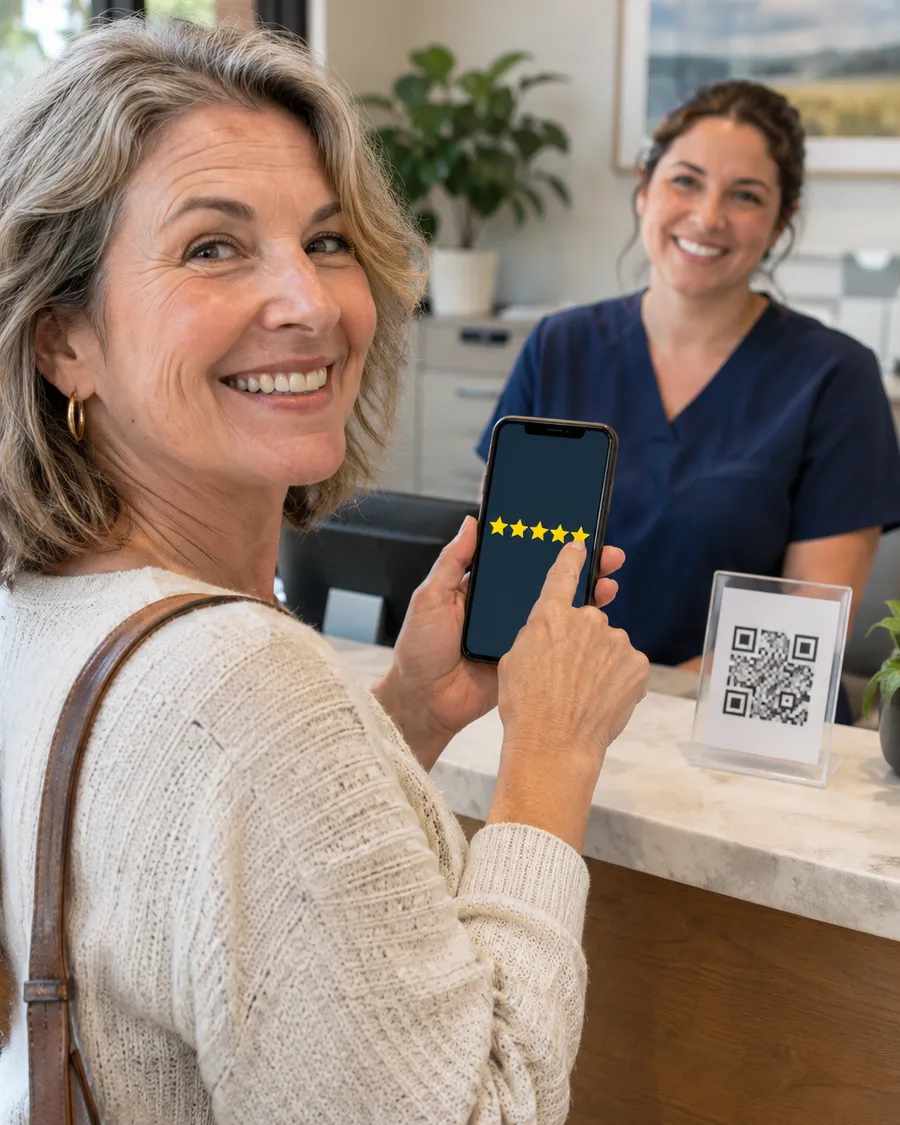

Most patients read reviews before they book. They look at your star rating, how many reviews you have, how recent they are, and how you reply when something goes wrong. Reviews also help your Google Business Profile show up in the map results, and AI assistants such as ChatGPT and Google’s AI answers draw on them when someone asks which doctor to see.
The good news: most practices already have plenty of happy patients. They just never get asked. Here is a simple, compliant system that works for solo surgeons, clinics and multi-specialty groups.
1. Know the rules before you ask
A few lines you should never cross:
- No rewards. Do not offer discounts, gifts, entries into a draw or anything else in exchange for a review. Google’s policies prohibit it, and in the US the FTC’s rule on consumer reviews bans buying reviews.
- No review gating. Do not send only happy patients to Google and route unhappy ones somewhere else. Ask everyone the same way.
- No fake or staff reviews. Reviews from employees, family or paid services break Google’s rules and can get reviews removed or the profile restricted.
- No patient details in replies. In the US, confirming that someone is your patient in a public reply can be a HIPAA problem, and the HHS Office for Civil Rights has fined practices for it. In the UK, the GMC’s confidentiality guidance applies in the same way online as it does in the clinic.
2. Ask at the right moment
Timing matters more than wording. The best moments are when the patient feels the result:
- At a follow-up visit, when pain is down or movement is back
- When stitches come out or a cast comes off
- After a good discharge, once the patient is home and settled
Avoid asking at the first consultation, when a bill is in dispute, or when the patient is still anxious about results.
3. Make the ask personal, then make it easy
A request from the doctor carries far more weight than a sign at the front desk. Something as simple as this works:
“I’m really glad the knee is doing well. If you have a minute, a short Google review helps other patients find us. Our team will text you the link.”
Then remove every bit of effort:
- A direct review link. In your Google Business Profile, use “Ask for reviews” to copy a link that opens the review box straight away.
- A text or email within a few hours, while the visit is fresh. Most patients leave reviews on their phone.
- A QR code at reception and in the discharge folder, pointing to the same link.
- One reminder at most. If they don’t leave one after a gentle reminder, let it go.
4. Build it into the workflow
Reviews grow when asking is someone’s job, not a good intention. Pick one person, usually the front desk lead or a practice coordinator, and give them a short routine:
- Each day, list patients who had a good follow-up or discharge.
- Send the review text that afternoon.
- Send one reminder after three or four days.
- Share new reviews with the team every week, so everyone sees the results.
If your practice management or booking system can send review requests automatically after a visit, use it, but keep the doctor’s personal ask. It is what makes patients follow through.
5. Reply to every review, the right way
Replies show future patients how you treat people. Keep them short, warm and general.
For a positive review:
“Thank you for taking the time to share this. Our whole team appreciates it.”
For a negative review:
“We’re sorry to hear about this experience. We take all feedback seriously and would like to understand more. Please contact our practice manager at the office so we can talk directly.”
Never mention the patient’s condition, treatment, dates or even that they visited, and never argue in public. Take the conversation offline. A calm reply to a harsh review often builds more trust than another five-star review.
6. Keep the rest of your profile strong
Reviews work best on a complete profile. Check that your primary category is specific (for example “Orthopedic surgeon”, not just “Doctor”), your treatments are listed as services, your hours and map pin are right, and you have recent, real photos of your clinic and team. Our free Google Business Profile checklist walks through each item.
7. Track progress monthly
Once a month, note four numbers: total reviews, new reviews that month, average rating and your reply rate. Steady new reviews every month look more natural, and matter more to patients, than a sudden burst followed by silence.
Where reviews fit in the bigger picture
Reviews are one part of how patients judge you online, alongside your Google profile, website, videos and social media. If you’d like to see how your practice looks to a new patient, our free visibility audit for surgeons reviews all six areas, including reviews. For hands-on help, see our reputation management service. We grow genuine reviews only: no fake reviews and no review gating.
FAQs
Can I offer a small discount for a review?
No. Rewards for reviews break Google’s policies, and in the US they can also break FTC rules. Ask, make it easy, and thank people.
Is it okay to ask every patient?
Yes, and that is the safest approach. Asking everyone in the same way avoids review gating. Choose a good moment for each patient rather than asking at every single visit.
How should I respond to a fake or abusive review?
Reply briefly and professionally without sharing details, then use the “Report review” option in Google if it breaks Google’s policies, for example if it is spam, off-topic or from someone who was never a patient.
How many reviews does a practice need?
There is no magic number. Patients compare you with other practices nearby, so aim to keep reviews coming in every month and to stay recent and well above your local competitors.
Keep reading
Related insights.
-
Hospital website design: 12 features patients look for
A hospital website has one job above all others: help a worried person find the right care and take the next step. Patients rarely arrive to admire the design. They...
-
Aesthetic clinic marketing: what works and what is allowed
Aesthetic and cosmetic clinics compete in one of the most crowded corners of healthcare marketing. Clients compare clinics on Instagram, read every review and often...
-
Digital marketing for doctors in India: a practical guide
A few years ago, most patients in India found a doctor through family, a neighbor or the nearest hospital. They still ask family. But before they book, almost all of...